
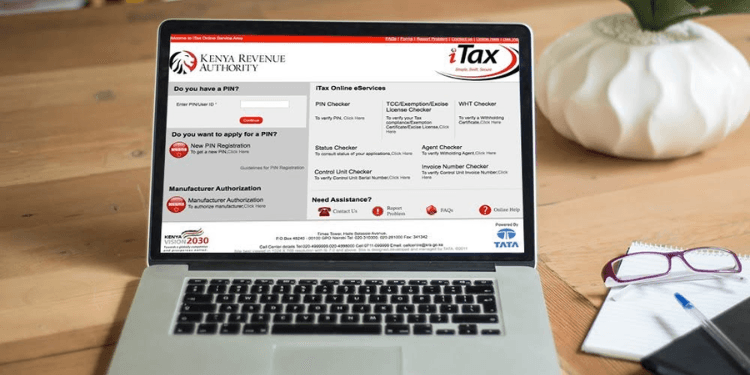
The Kenya Revenue Authority (KRA) has outlined the process taxpayers can follow to cancel their Personal Identification Number (PIN) or deregister a tax obligation through the iTax system.
A PIN cancellation may be necessary when a taxpayer no longer requires tax registration. This commonly applies to people who have permanently stopped business operations, are no longer earning employment income subject to Pay As You Earn (PAYE), have permanently left Kenya, or obtained a PIN by mistake.
However, KRA says a PIN cannot be cancelled if there are outstanding tax obligations.
Taxpayers must first clear all pending tax returns, unpaid taxes, and penalties before their application can be considered.
How to Cancel a KRA PIN or Tax Obligation
Applications for PIN cancellation or tax obligation deregistration are made through the iTax portal.
Step 1: Log in to iTax
Access your iTax account using your PIN and password.
Step 2: Select the Registration Menu
Once logged in, click on the Registration tab on the dashboard to access registration-related services.
Step 3: Choose E-Cancellation
Under the Registration menu, select E-Cancellation to begin the deregistration process.
Step 4: Select the PIN or Tax Obligation
Choose whether you want to cancel your entire PIN registration or remove a specific tax obligation, such as VAT or PAYE, depending on your circumstances.
Step 5: State the Reason for Cancellation
Provide the reason for requesting the cancellation. This could include closure of a business, cessation of employment, permanent relocation outside Kenya, or any other valid reason.
Step 6: Submit the Application
Review the information provided and submit the application. KRA will forward it to the relevant office for assessment and approval.
Supporting Documents May Be Required
KRA may request supporting documents depending on the reason for the application. Taxpayers should ensure the information submitted is accurate and that any requested documents are provided promptly.
Applicants are also required to continue filing tax returns and paying any taxes due until they receive official communication confirming that the PIN or tax obligation has been cancelled.
Submitting an application does not automatically result in deregistration. KRA reviews every request before making a decision.
How Foreigners Can Deregister a KRA PIN
Foreign nationals who are permanently leaving Kenya must meet additional requirements before their PIN can be cancelled.
Step 1: File All Outstanding Tax Returns
Ensure that all tax returns due have been filed before beginning the deregistration process.
Step 2: Pay Any Outstanding Taxes
Clear any taxes, penalties, or other outstanding liabilities owed to KRA.
Step 3: Apply Through iTax
Log in to the iTax system and initiate the PIN deregistration process.
Step 4: Provide Proof of Departure
Submit evidence showing that you have permanently left Kenya. An endorsed passport exit stamp is accepted as proof.
Step 5: Submit a Sworn Affidavit
Provide a sworn affidavit confirming that you do not own any property in Kenya.
Step 6: Obtain the Application Acknowledgment Receipt
After submitting the application, retain the acknowledgment receipt as proof that your request has been received by KRA.
Deregistration Is Subject to KRA Approval
KRA reviews every application before approving the cancellation of a PIN or tax obligation.
Taxpayers should not assume that their PIN has been cancelled immediately after submitting an application.
They are expected to continue complying with tax filing and payment requirements until they receive official confirmation from KRA that the deregistration has been approved.
Follow our WhatsApp Channel and X Account for real-time news updates.




Comments
No comments yet. Be the first to share your thoughts.