
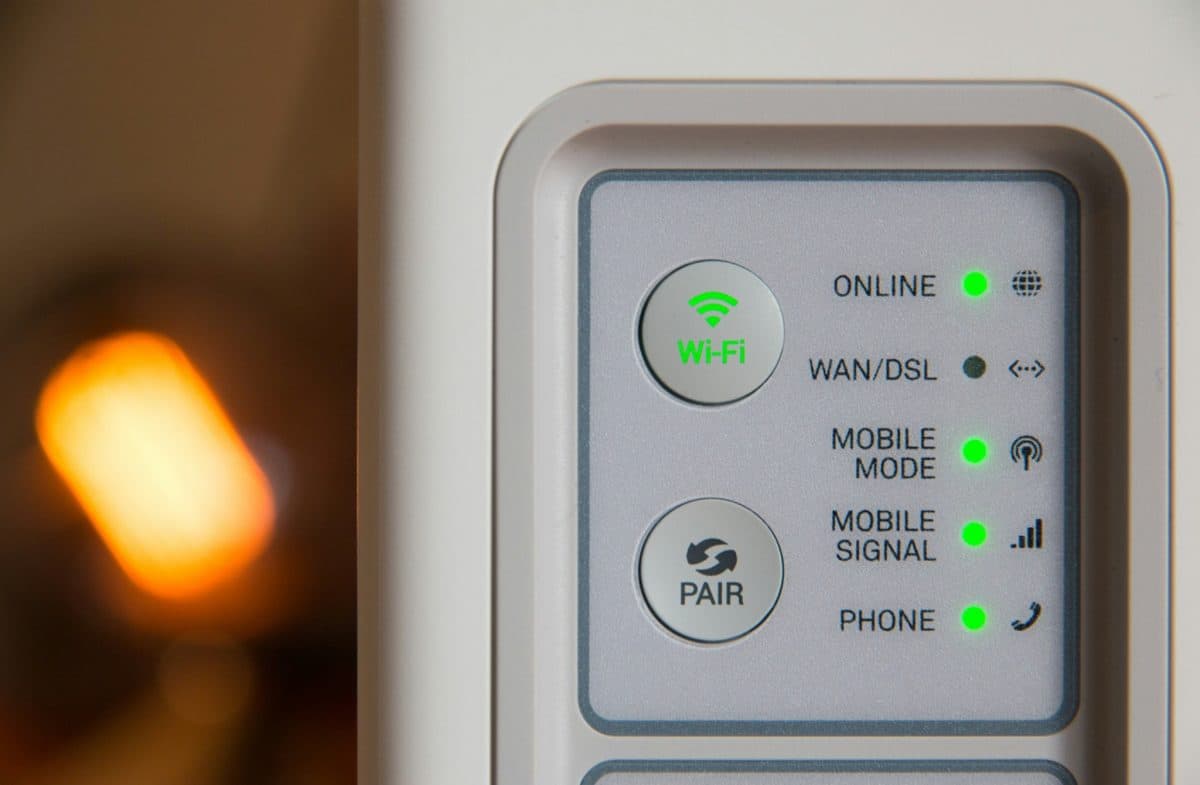
If you’re dealing with Wi-Fi dead zones in your home, a Wi-Fi extender can be an affordable and effective solution. Wi-Fi extenders amplify the signal from your existing router, allowing you to enjoy a stronger and more reliable connection throughout your home. For those concerned about online privacy, integrating a VPN into your router can add an extra layer of security. By setting up ExpressVPN for your router, all devices connected to your Wi-Fi network will benefit from encrypted internet traffic, protecting your data from prying eyes.
Here’s a look at some of the best Wi-Fi extenders for 2024, categorized by different needs and preferences.
The TP-Link RE705X stands out as the best overall Wi-Fi extender. This plug-in extender is easy to set up and offers excellent performance thanks to its 160MHz data channels. It features a gigabit Ethernet port, making it versatile for connecting wired devices. The extender supports the latest Wi-Fi 6 technologies like MUMIMO and beamforming, which enhance speed and reliability. While slightly more expensive and prone to running hot, its performance and ease of use make it a top choice for most users.
The Netgear Nighthawk AX8 is a great choice for those needing multiple ports. This standalone extender offers four gigabit Ethernet ports and a USB 3.0 port, which is ideal for connecting various devices. It is designed for high performance and supports 160MHz data channels and advanced Wi-Fi 6 technologies. Although larger and more expensive than most plug-in extenders, its port availability and robust performance justify the investment.
The Linksys RE7310 excels at extending the range of your network. This plug-in extender features hidden antennas and Linksys’ Spot Finder technology, helping you find the optimal placement. It supports up to 20 devices simultaneously and uses Wi-Fi 6 technologies to improve speed and reliability. Despite lacking additional ports and being somewhat bulky, it offers good all-around performance and ease of setup.
For tech-savvy users, the Tenda A27 offers extensive customization options. It supports OFDMA, beamforming, and dual antennas for improved performance. The extender can function as both an extender and a wired access point, providing flexibility. However, it lacks a setup app and must be configured via a web browser. If customization and a three-year warranty are important, the Tenda A27 is a solid choice.
The D-Link Eagle Pro AI E15 is a compact option that uses AI to optimize data routing and reduce latency. This plug-in extender includes a gigabit Ethernet port and supports beamforming and MUMIMO technologies. While compact and affordable, its performance is not as strong as some other models. However, it is a practical and budget-friendly option for those with limited space.
Tailored for gamers, the NexusLink Wireless Gaming Bridge WB-1750 is a wireless cable that connects Ethernet devices to your router. This ensures a stable and fast connection for gaming. The extender is easy to set up and offers a good range. Still, it requires two units for operation and needs an Ethernet connection at both ends. Despite being rather expensive, it provides excellent performance for gaming setups.
What is a Wi-Fi extender?
A Wi-Fi extender amplifies the signal from your existing router, extending its range to cover areas with weak or no Wi-Fi signal.
How do I set up a Wi-Fi extender?
Most Wi-Fi extenders are easily set up using WPS (Wi-Fi Protected Setup). You typically press the WPS button on your router and the extender to pair them. Some models may require configuration via a web browser or mobile app.
Where should I place my Wi-Fi extender?
Place your Wi-Fi extender halfway between your router and the area with poor Wi-Fi coverage. Ensure it’s within the range of your router’s signal for optimal performance.
Do Wi-Fi extenders reduce speed?
Wi-Fi extenders can reduce speed because they split the bandwidth between the router and the connected devices. Dual-band extenders can help mitigate this by using separate bands for communication with the router and connected devices.
Is a mesh network better than a Wi-Fi extender?
Mesh networks provide more consistent coverage and seamless roaming across your home but are more expensive. Wi-Fi extenders are a more affordable solution for covering specific dead zones.
Choosing the right Wi-Fi extender depends on your specific needs, such as the range, number of ports, or customization options. With the options listed above, you can find a Wi-Fi extender that suits your requirements and improves your home network’s performance.



Comments
No comments yet. Be the first to share your thoughts.