
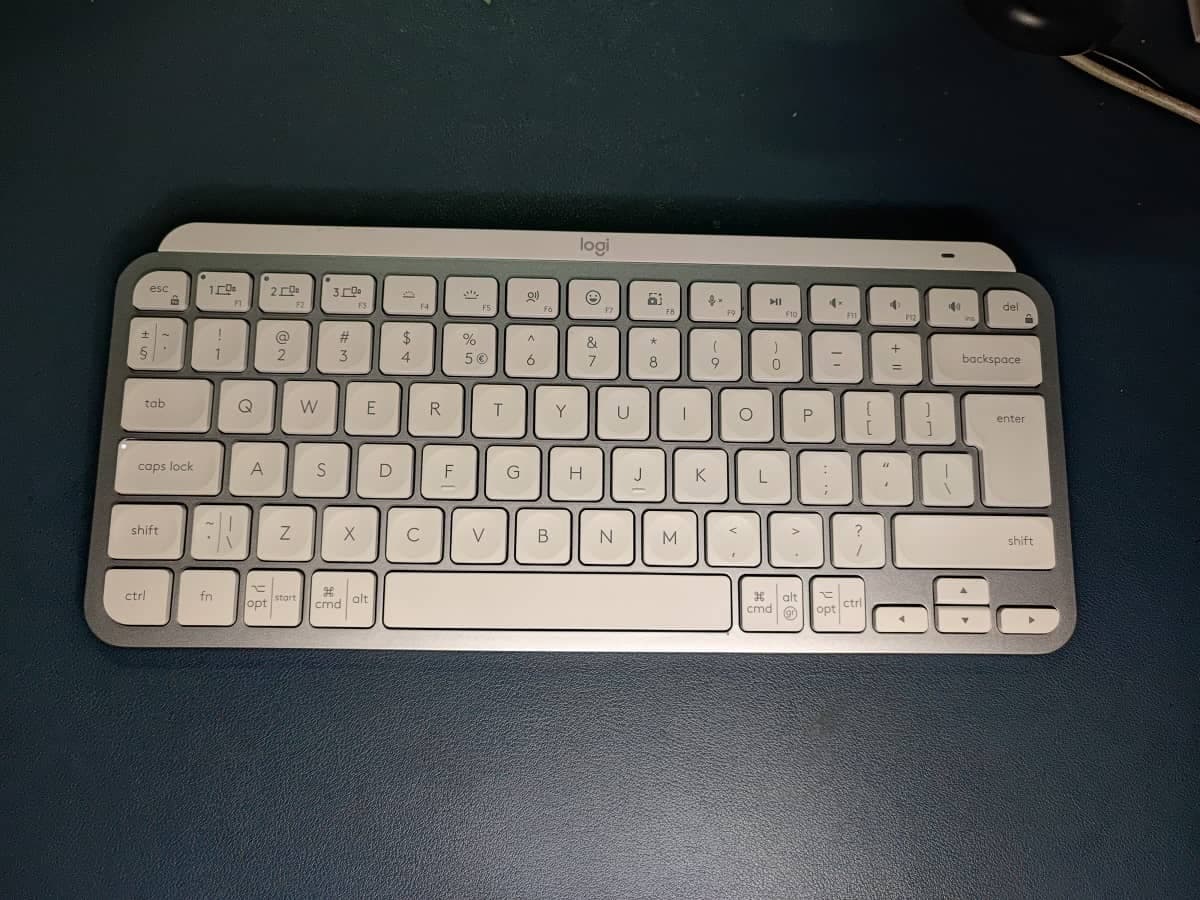
Every keyboard has some shortcuts you can use to improve productivity and work faster. This is the case for both Windows and Mac users. For most experienced users, you probably know a handful of shortcuts you use regularly but it is always good to expand your knowledge for better productivity.
For anyone who wants to improve their productivity, this article will cover the most popular and useful keyboard shortcuts for Windows and Mac.
You can share the keyboard shortcuts you use regularly in addition to the ones I have listed below.
There are some common and general keyboard shortcuts that you can use on Windows and Mac.
- Copy – To copy any highlighted text on Windows and Mac, use Ctrl + C or Cmd + C on Windows and Mac respectively.
- Cut – Cut copies the text and deletes it. The cut shortcut is Ctrl + X on Windows or Cmd + X on Mac.
- Paste – Pasting shortcut on Windows is Ctrl + V and Cmd + V on Mac.
- Undo – On Windows, you can undo by using Ctrl + Z or Cmd + Z on Mac.
- Redo – On the other hand, you can redo by using Ctrl + Y on Windows or Cmd + Y on Mac.
- Select All – The Select All keyboard shortcut on Windows is Ctrl + A or Cmd + A on Mac.
- Find – To find a specific word in a piece of text, use Ctrl + F shortcut on Windows and Cmd + F on Mac.
- Save – Use Ctrl + S to save on Windows and Cmd + S on Mac.
- Print – To print, use the shortcut Ctrl + P on Windows and Cmd + P on Mac.
There are some Windows-specific system shortcuts that I also think are important to know. These include:
- Win + D – To show the desktop.
- Win + Tab – To open Task View.
- Win + L – To lock the screen.
- Alt + Tab – To switch between apps
On Mac, these are the system shortcuts you should know:
- Cmd + Space – To open Spotlight
- Cmd + Tab – To switch apps
- Cmd + Q – To quit an app
- Cmd + Option + Esc – To force quit and app
- Open New Tab: Ctrl + T / Cmd + T
- Close Tab: Ctrl + W / Cmd + W
- Reopen Last Closed Tab: Ctrl + Shift + T / Cmd + Shift + T
- Refresh Page: Ctrl + R / Cmd + R
- Bold, Italic, Underline: Ctrl + B, Ctrl + I, Ctrl + U (Cmd on Mac)
- Increase/Decrease Font Size: Ctrl + Shift + > / < (Cmd on Mac)
- Align Text (Left, Center, Right): Ctrl + L, Ctrl + E, Ctrl + R
- Win + Shift + S – Open Snipping Tool
- PrtScn – Capture entire screen
- Cmd + Shift + 3 – Capture full screen
- Cmd + Shift + 4 – Capture selected area



Comments
No comments yet. Be the first to share your thoughts.