
For nearly a decade, mySafaricom App did a few things well. It let you top up your line, pay for Home Fiber, and check your Bonga points. It was never meant to do much more, and it rarely did.
While the legacy app focused on basic line services, My OneApp combines the mySafaricom App and the M-PESA App into a single platform. It also includes built-in mobile money services, AI-powered features, and a Mini Apps ecosystem.
Here’s a look at what has changed, feature by feature, and where the mySafaricom App still has a slight advantage.
This is probably the first thing most people will notice.
My OneApp shows your M-PESA balance alongside your airtime, data, SMS, and Bonga points on the home screen. Before, checking if you had enough money to buy a bundle meant switching between apps or opening another tab.
Now, all it takes is a quick glance at the My OneApp home screen.
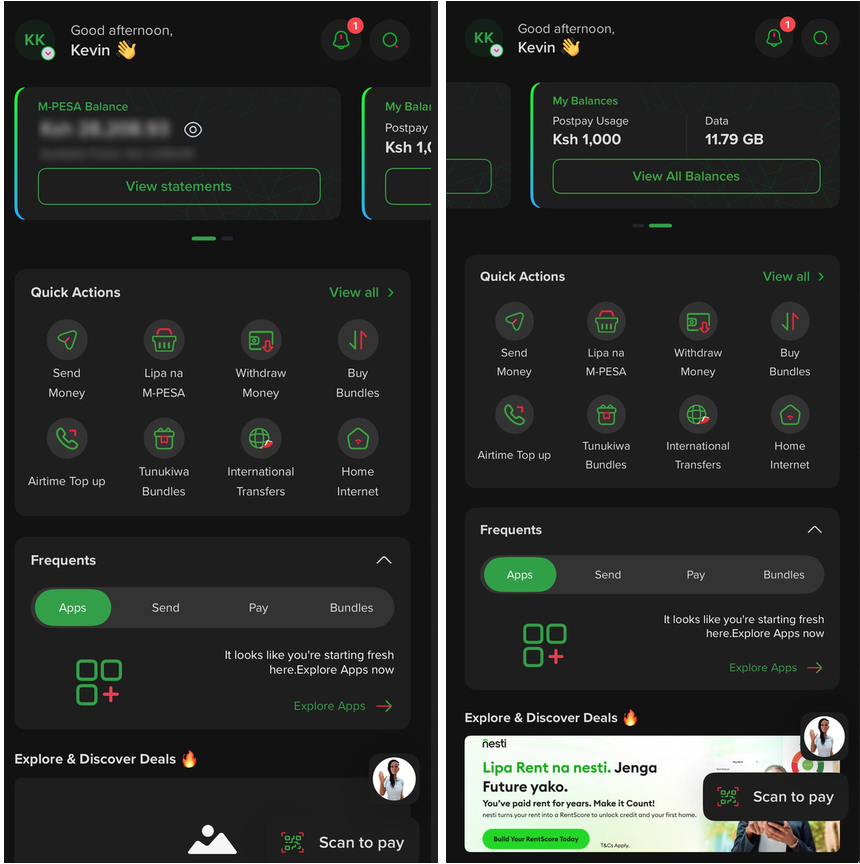
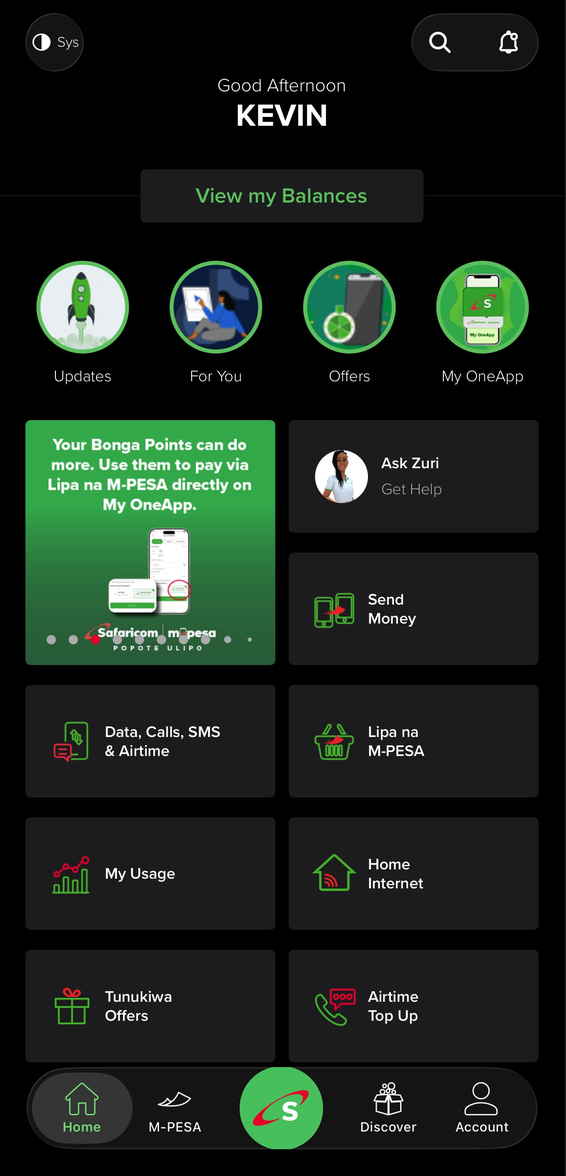
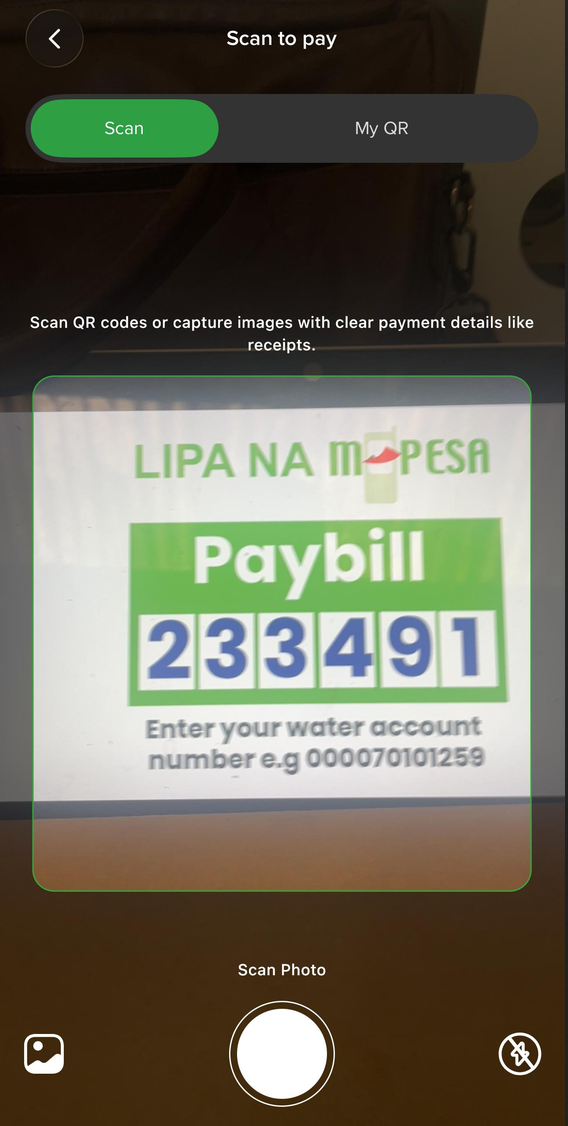
My OneApp introduces several payment features that were never available in mySafaricom. AI Pay can scan a PayBill receipt and automatically fill in the payment details, so you don’t have to enter them manually.
The app also supports QR code payments through Scan to Pay at participating merchants, as well as NFC tap-to-pay at compatible payment terminals. These are new features that were not available in mySafaricom.
The mySafaricom app was a closed platform built around Safaricom’s own products, services, and self-service tools. It was not designed to support third-party mini-apps, so only features developed by Safaricom could be added to the app.
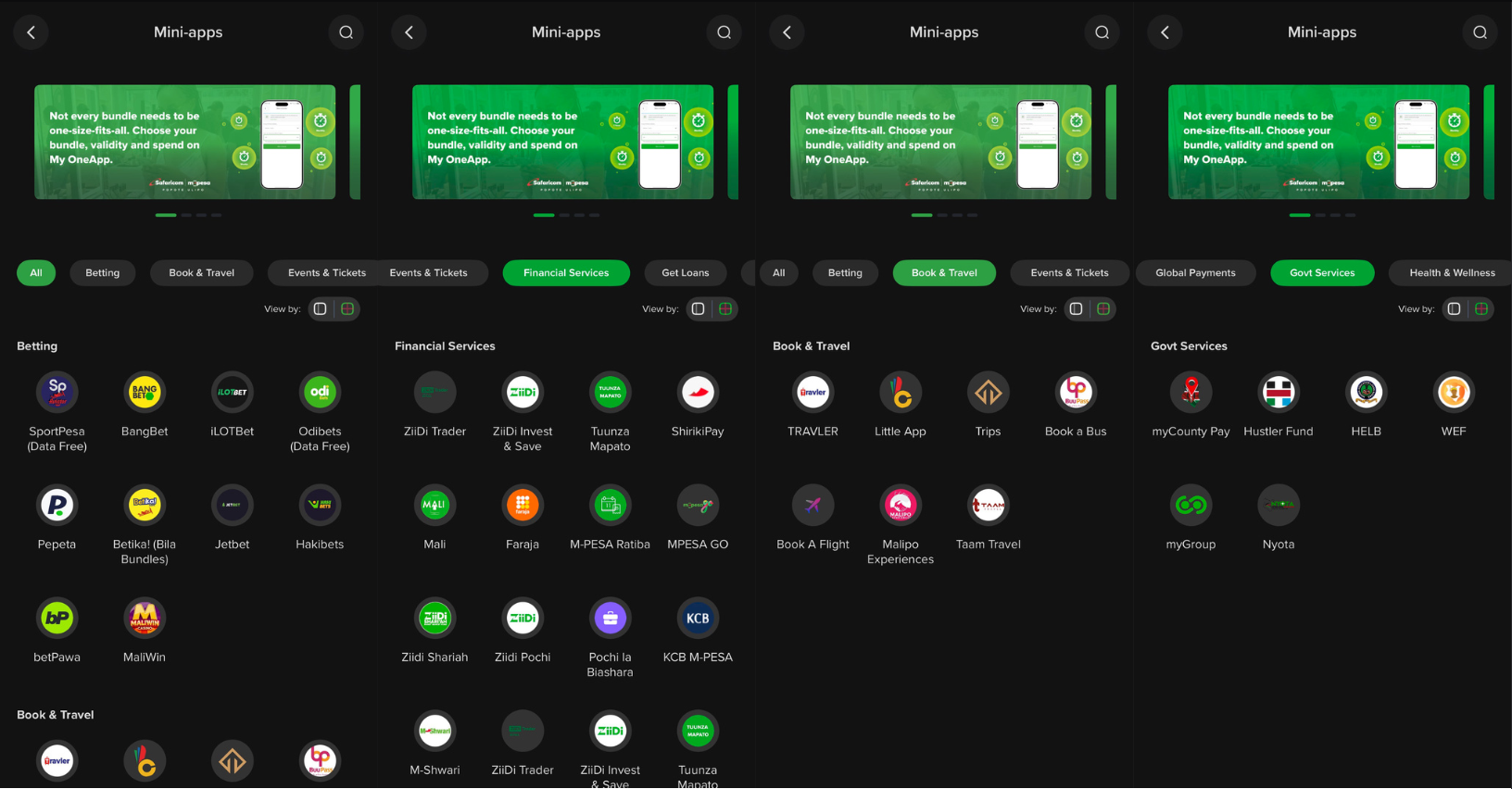
My OneApp takes a different approach. It works like a platform that hosts more than 80 third-party mini-apps, giving users access to services such as transport bookings, insurance, and other everyday needs without downloading separate apps.
Rather than building every feature itself, Safaricom is allowing partners to offer their services through the app, so users can access them without leaving My OneApp.
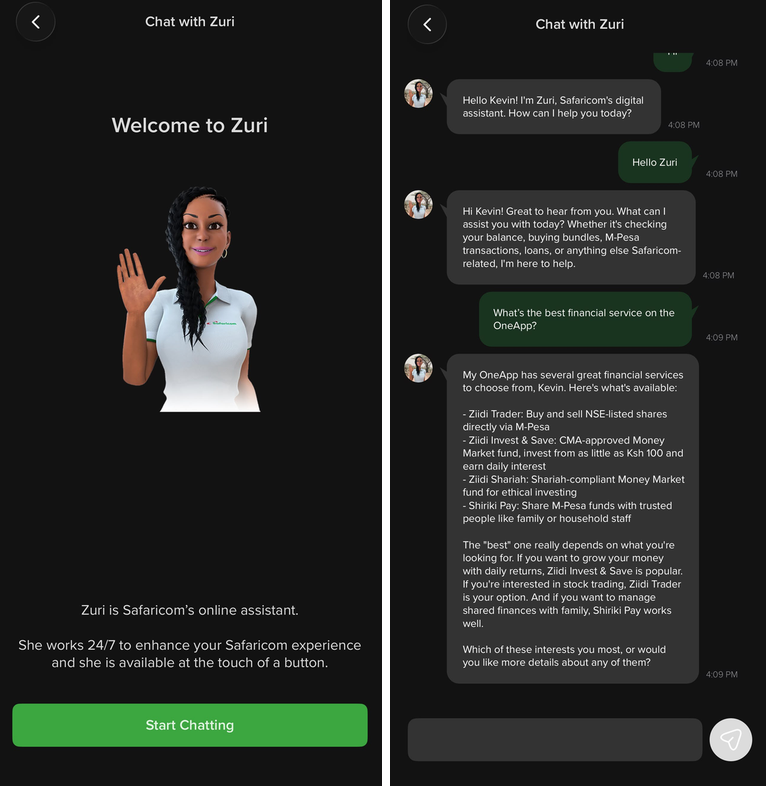
Both apps included Zuri, Safaricom’s customer care assistant, but they didn’t offer the same experience. In My OneApp, Zuri has been updated into a more natural conversational assistant that understands everyday language instead of taking users through a fixed set of menu options.
It is also available through more channels. You can access it on WhatsApp, within the app, or as a voice assistant when you call Safaricom. There is also a dedicated support line for Home Fiber customers.
In comparison, the version of Zuri in the mySafaricom app used an older, more scripted system.
My OneApp verifies your identity by linking directly to the physical Safaricom SIM in your phone using mobile data. Instead of relying only on a password, it checks that the SIM is actually in your device each time you log in, alongside your PIN and biometric authentication.
This is a different approach from MySafaricom, which mainly relied on passwords. It is especially important in Kenya, where SIM swap fraud has been a common way for criminals to gain access to M-PESA accounts by moving a person’s phone number to another SIM.
With My OneApp, anyone trying to access your account also needs control of the physical SIM. If you lose your phone or move your SIM to another device, the app requires you to sign in again instead of keeping the previous session active.
There are some drawbacks. Because the verification uses mobile data instead of Wi-Fi, people using only Wi-Fi or roaming outside Kenya may be logged out more often than they would with a standard password-based login.
Safaricom has also added two-factor authentication alongside the SIM verification. This means the app performs more identity checks than MySafaricom did, although it can sometimes require an extra verification step.
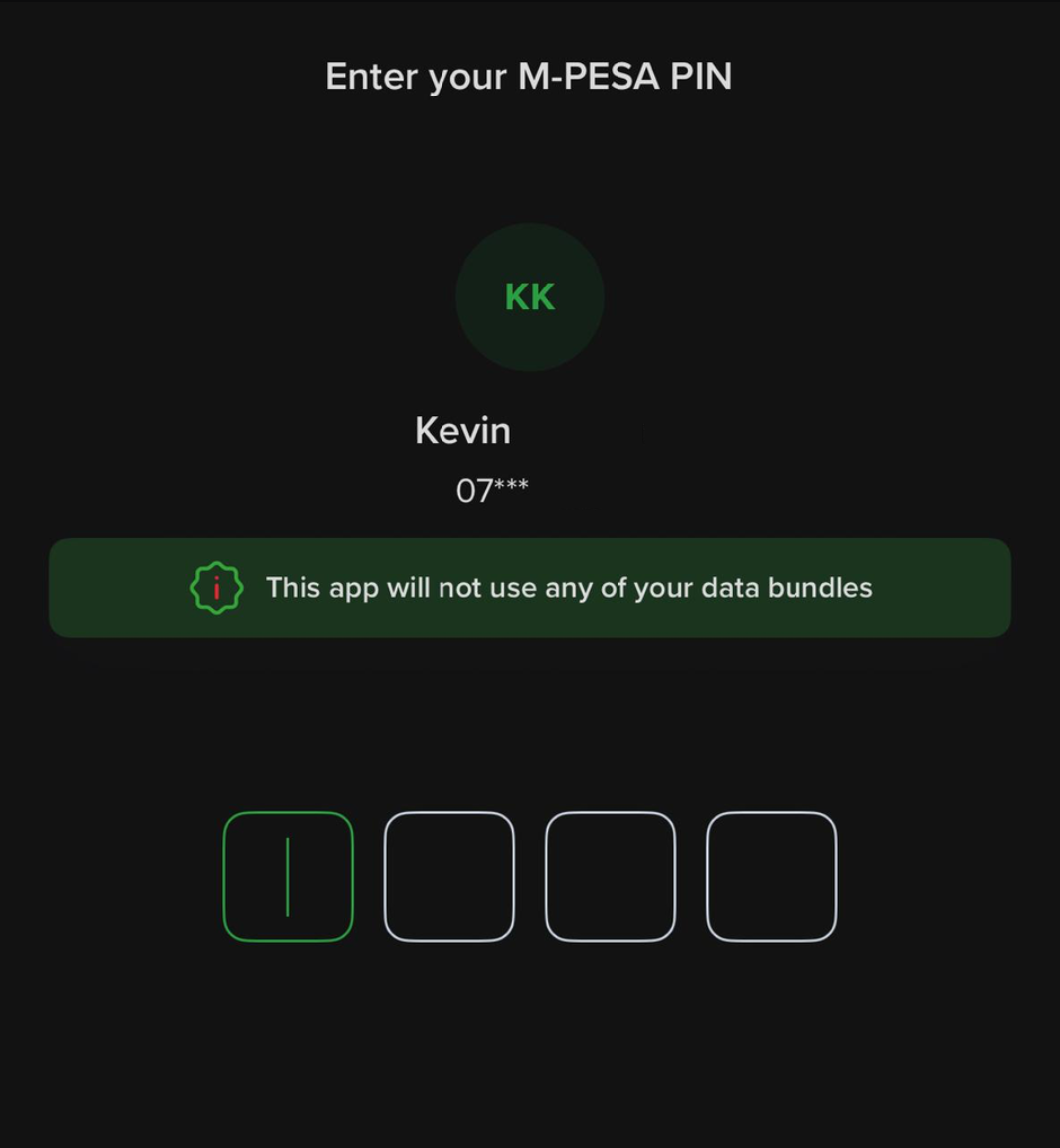
Safaricom now describes My OneApp as offering “Zero Rated Access.” This means using the app does not consume your data bundles, as long as mobile data is turned on so the app can complete its SIM verification check.
It’s worth noting that this was not always the case. Early versions of the app still used mobile data just to open, which went against the idea of a lighter experience. Safaricom addressed the issue through several app updates, and the app now works as intended.

Now that it’s fixed, it’s one of the app’s most useful features because you can use it without worrying about using your data bundle.
This isn’t a one-way comparison, and it’s important to point that out. The mySafaricom app can be opened and used over mobile data or public Wi-Fi without requiring an active SIM data verification check. My OneApp currently requires that verification as part of its security model.
It is also easier to use on dual SIM devices because it is not tied to a specific primary SIM slot like My OneApp. For people using a secondary line, an older phone, or an unreliable mobile data connection where Wi-Fi is more dependable, this is a limitation of My OneApp.
Safaricom has said this is a temporary limitation rather than a permanent design decision. The company is moving more services to My OneApp, and the standalone features that still make mySafaricom useful are expected to be phased out as the migration continues.
It’s also important to note what hasn’t changed. M-PESA Business Till, which merchants use for QR payments, Fuliza Biashara loans, and business savings, is still available as a separate app instead of a mini-app within My OneApp.
Safaricom’s own promotional material still directs users to the standalone M-PESA Business app rather than My OneApp. This suggests the move to bring services together is still ongoing and not yet fully consistent.
| Capability | mySafaricom | My OneApp |
| Unified balance view | No, M-PESA lived elsewhere | Yes, cash and line balances together |
| Smart payment tools | No | Yes, AI Pay, Scan to Pay, NFC |
| Third-party mini-apps | No, Safaricom services only | Yes, 80+ |
| Zuri assistant | Scripted, menu-based | Conversational, agentic |
| Login security | PIN/password + biometrics | SIM-verified + biometrics |
| Data cost to use the app | Standard data charges | Zero-rated |
| Works over Wi-Fi alone | Yes | No, requires SIM data verification |
| Multi-SIM device friendliness | Simpler, no primary-SIM binding | Bound to a single verified SIM |
| Business Till tools | N/A, separate app either way | Still a separate app, not a mini-app |
This doesn’t mean mySafaricom was a bad app. It was designed for a more specific purpose, and it handled that job well for many years. What has changed is Safaricom’s focus.
The company no longer wants its main app to serve that limited role and is gradually replacing mySafaricom with My OneApp.
If you mostly use Wi-Fi instead of mobile data or keep a secondary SIM in an older phone, mySafaricom may still have some advantages for now. For most users, though, those advantages are quickly disappearing.


Comments
No comments yet. Be the first to share your thoughts.