
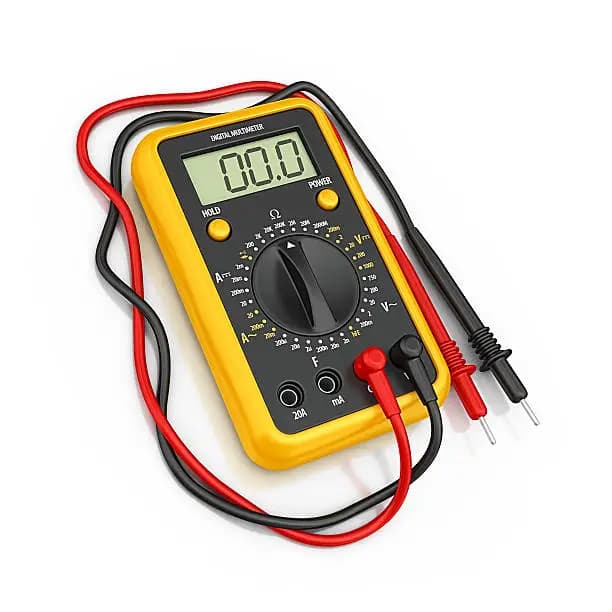
The crankshaft position sensor, often called the crank sensor, is an important component in a vehicle’s engine management system. It monitors the position and speed of the crankshaft and helps control ignition and fuel injection. When the sensor becomes faulty, the engine may fail to start, stall, or run poorly. Learning how to test crank sensor with multimeter helps you identify possible problems before replacing parts unnecessarily. With the right tools and safety precautions, you can test the sensor effectively.
-
Table of Contents
ToggleTurn Off the Vehicle and Locate the Sensor
Before testing, switch off the engine and disconnect the battery if necessary.
Locate the crank sensor near the crankshaft or engine block.
- Turn off the ignition
- Allow the engine to cool
- Find the crankshaft position sensor
-
Inspect the Sensor and Wiring
Check the sensor and its wiring for visible damage before using the multimeter.
Loose connections or damaged wires can affect performance.
- Look for broken wires
- Check connectors for corrosion
- Ensure secure connections
-
Set the Multimeter Correctly
Adjust the multimeter to the resistance or voltage setting depending on the type of test you are performing.
Make sure the multimeter is working properly.
- Select the correct measurement mode
- Confirm the meter is functioning
- Prepare the probes for testing
-
Test the Sensor
Disconnect the sensor connector and place the multimeter probes on the sensor terminals.
Observe the reading shown on the multimeter.
- Connect probes to sensor terminals
- Compare readings with manufacturer specifications
- Check for stable measurements
-
Interpret the Results
A properly functioning crank sensor should produce readings within the recommended range.
Unusual readings may indicate a faulty sensor that needs replacement.
- Compare values with specifications
- Identify abnormal readings
- Replace faulty components if necessary



Comments
No comments yet. Be the first to share your thoughts.