
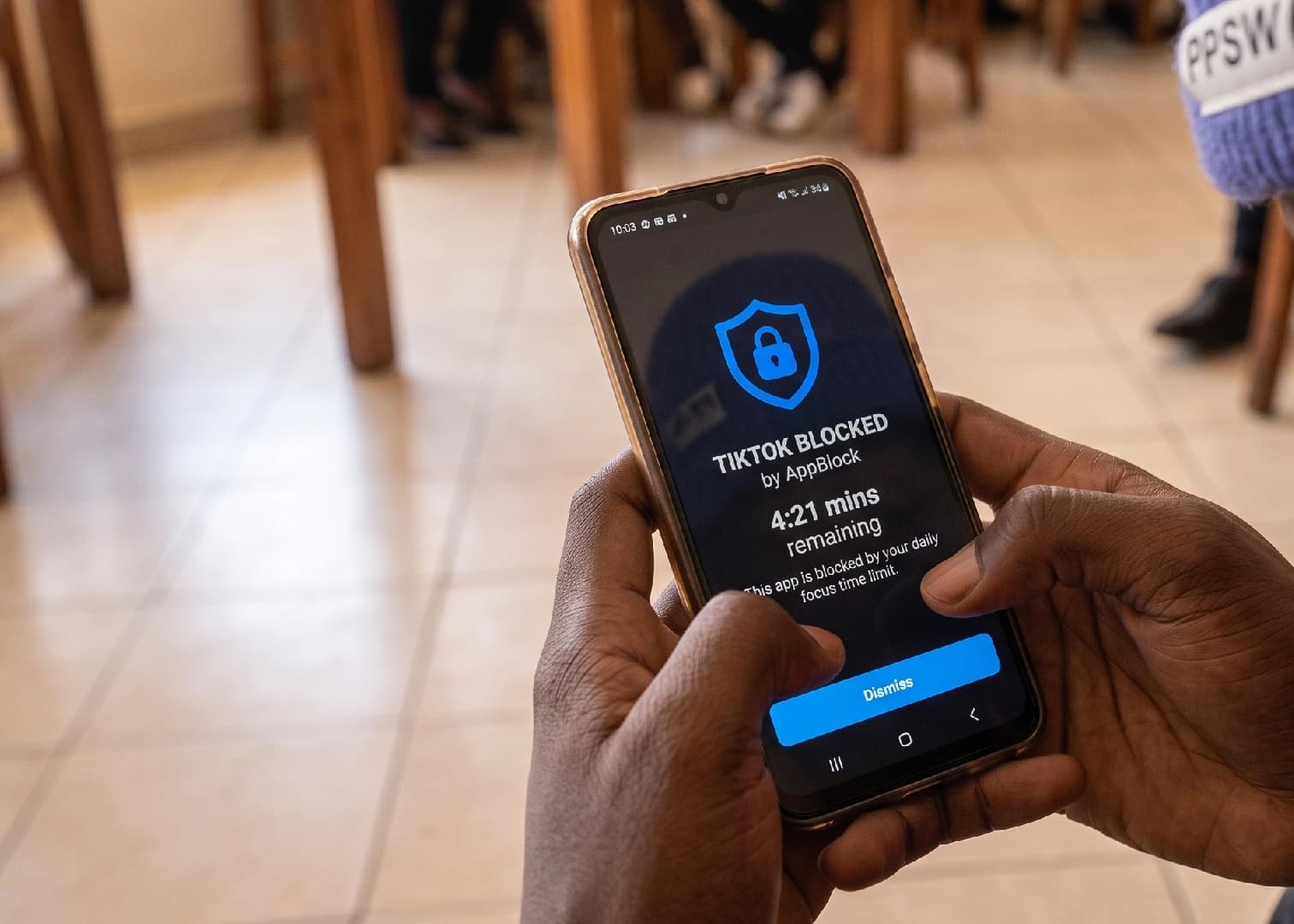
Most productivity apps work by making focused work more appealing. AppBlock takes a different position entirely by making distraction impossible, and for some users, it makes getting out of that position impossible too.
That is not a flaw, and for a certain kind of person, it is the whole point.
Available on both Android and iOS, AppBlock is a digital wellbeing tool that does exactly what its name suggests. It blocks selected apps and websites during focus periods, removing the option to scroll, browse, or procrastinate during the windows a user has set aside for something else.
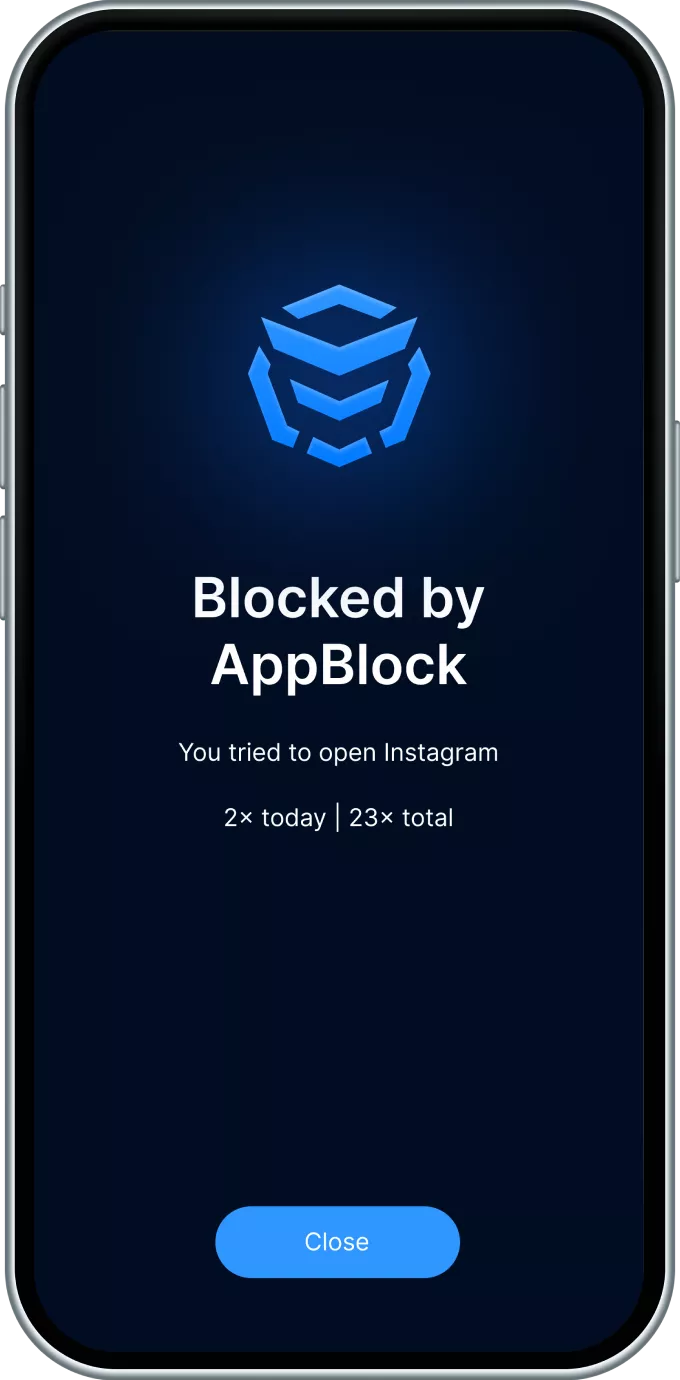
The premise is simple, and the numbers back it up, holding over ten million downloads and a 4.6 rating on both Play Store and App Store.
The setup is flexible enough to fit most routines. Users can schedule blocks based on time of day, physical location, or the Wi-Fi network they are connected to, so a rule that kicks in every weekday morning at the office is a few taps to configure rather than a daily manual exercise.
Quick Block handles the moments when a user wants to lock down the phone immediately without waiting for a scheduled session to start.
The app blocks both installed apps and websites, meaning closing Instagram and opening a browser to load it instead does not help.
The list of what gets blocked is entirely user-defined, covering social media, games, messaging apps, or any other category a user identifies as their personal time sink.
Every app blocker faces the same problem whereby the person who set the rule is also the person who can turn it off.
AppBlock’s answer to that is Strict Mode, and it goes further than most comparable tools are willing to.
When Strict Mode is active, a user cannot edit their blocking schedules, cannot access device settings to work around the restrictions, and in some configurations cannot uninstall the app itself for the duration of the session. The exit is locked from the inside.
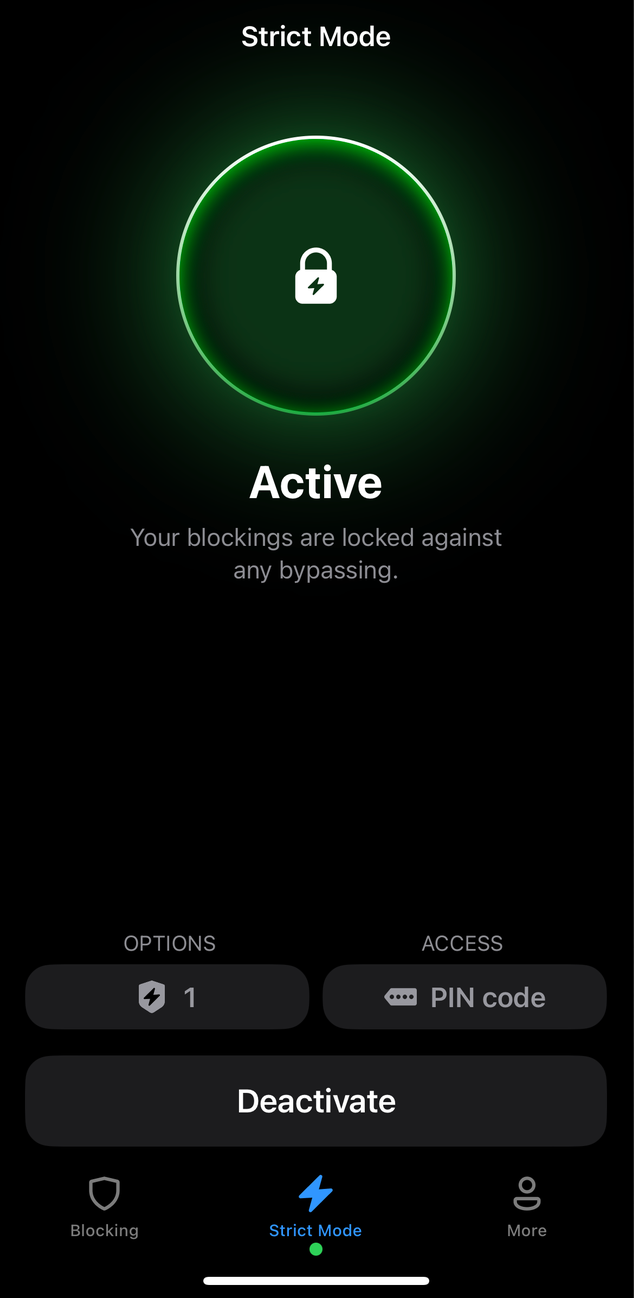
For anyone who has ever set a screen time limit, hit the “remind me in 15 minutes” button, and then done that four times in a row, the logic of Strict Mode needs no further explanation. It removes the negotiation entirely.
The block stands until the session ends, and there is no version of willpower required to maintain it because willpower has been taken off the table.
It is a confrontational feature by design, and it has earned AppBlock a reputation as the option of last resort for people who have tried gentler solutions and found them too easy to circumvent.
According to AppBlock, 95% of users reportedly save at least two hours of daily screen time, with consistent improvements in focus, productivity, and sleep quality reported alongside it.
Students use AppBlock to create exam and study windows where social apps are off limits. Professionals set work-hour blocks that prevent them from falling into social media during calls or deep work sessions.
Parents use it as a parental control layer for shared devices or to manage their own screen time before addressing their children’s.
Some users specifically flag the sleep improvement angle, setting overnight blocks that keep the phone from becoming a late-night distraction.
The location-based scheduling means the app can behave differently at home, at work, and in transit without the user having to remember to switch modes manually.
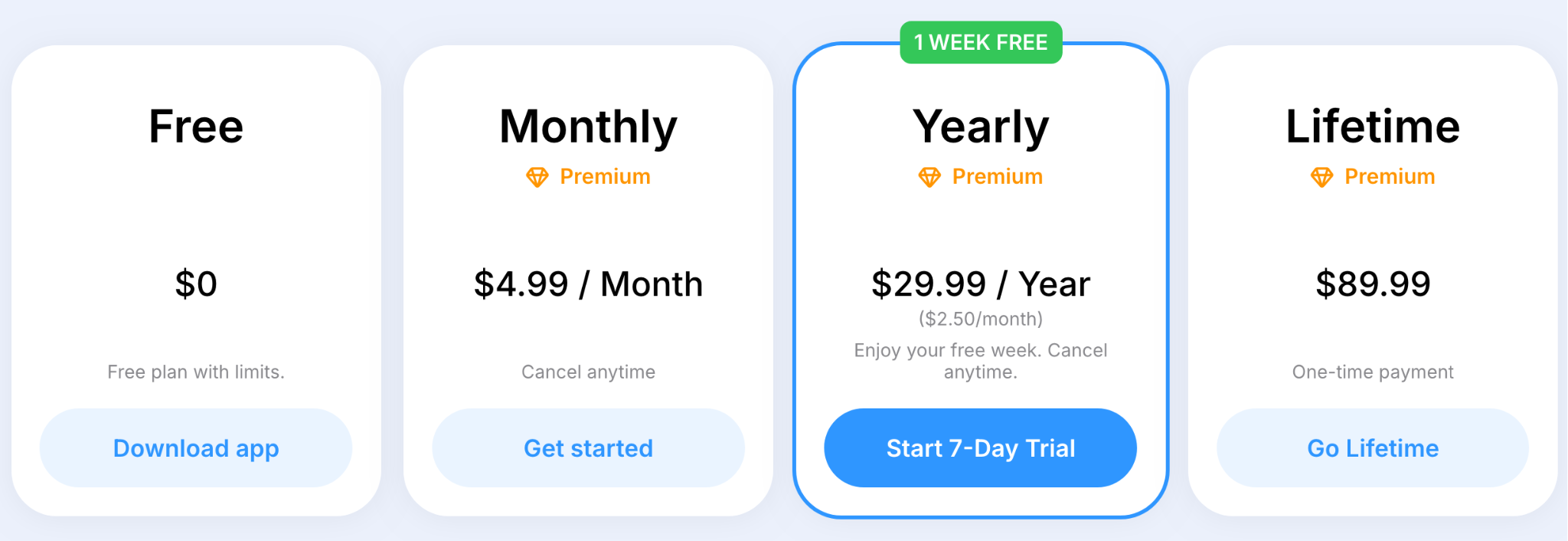
The free plan exists with limitations, covering basic blocking for users who want to test the core mechanic before committing. Premium costs $4.99 a month or $29.99 a year, the latter coming with a seven-day free trial that works out to $2.50 a month billed annually.
For anyone certain they will use it long-term, the lifetime option is a one-time payment of $89.99, paying for itself inside two years of monthly billing.
AppBlock is not for people who need a nudge.
It is for people who know exactly which apps are eating their time, have tried gentler solutions, and found that having an exit route was the problem the whole time.
Students, professionals, and anyone who has watched their phone turn a two-hour work block into a forty-minute one will find something useful here.
The free tier is worth trying first, and if you get through it without touching Strict Mode, you probably did not need AppBlock in the first place.



Comments
No comments yet. Be the first to share your thoughts.