
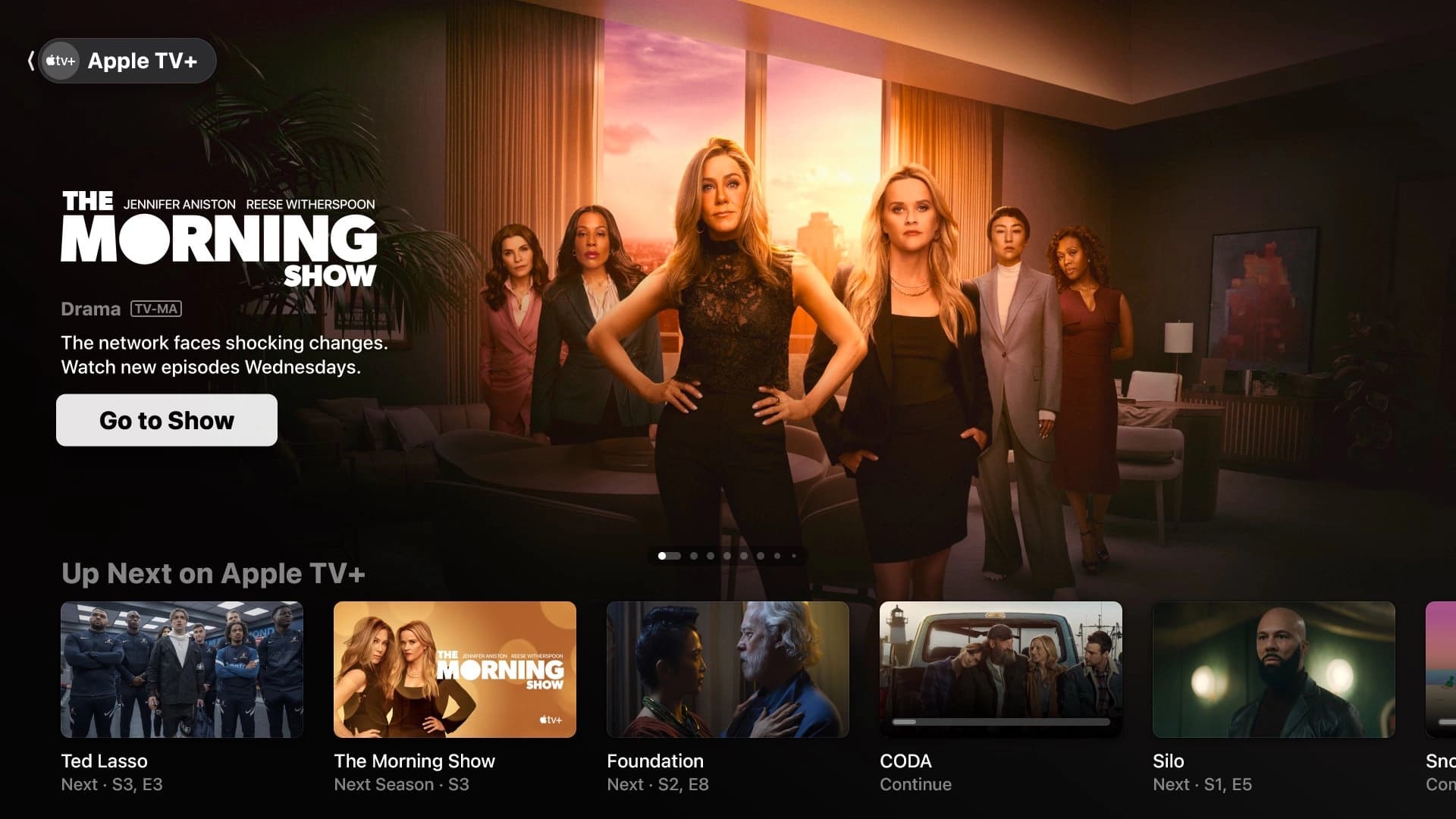
Apple TV is now officially listed as available in Kenya as part of a wider rollout that bundles Apple TV and Apple Arcade with eligible iCloud+ plans in more than 100 countries and regions.
The rollout runs until the end of September 2026, so if the benefit has not appeared on your account yet, there is no need to assume something is wrong.
The 50GB iCloud+ plan is advertised at $0.99 per month, but Kenyan users should check the price shown in their Apple Account settings. The final amount may differ because of local pricing, taxes, currency conversion, and payment processing.
It is also important to distinguish between the Apple TV app and an Apple TV subscription. The app is simply the software you install on a supported TV or device. Access to Apple’s shows and movies requires an Apple TV subscription or an eligible iCloud+ plan.
In other words, installing the app alone does not mean you can watch its content.
If you’ve tried searching for Apple TV on your Android TV, you may have noticed that the app is not available. That’s because the app is Geo-restricted and Apple is yet to avail it in Kenya.
The only alternative is to install it manually. This is known as sideloading, which means installing an app from outside Google’s official app store. It’s worth keeping in mind that it is not an official installation method and may come with security or compatibility issues.
Before starting, check that your TV runs Android 10 or later and has an ARM64-v8a processor. Apple TV packages for Android TV list these requirements, although compatibility can still depend on the TV model.
You can get the Android TV package through a third-party app store such as APKPure. APKPure is not an Apple or Google service, so make sure you are using its official website and avoid modified, cracked, or “premium unlocked” versions.
- Install the Send Files to TV app on both your phone and TV, then connect both devices to the same Wi-Fi network (the app is available on Play Store).
- Download the APKPure installer on your phone.
- Transfer the APKPure installer to the TV using Send Files to TV, a USB drive, or by downloading it directly on the television.
- Open the transferred file using the TV’s file manager and allow installation from unknown sources if Android requests permission, then disable the permission after installation.
- Open APKPure, search for Apple TV (Android TV), and select the newest compatible release.
- Install the Apple TV app on your Android TV using the same steps you used to install the APKPure app.
If the app installs but you cannot play content, check that your iCloud+ benefit is active, your Apple Account is set to Kenya, and the rollout has reached your account.
Family Sharing can also affect which Apple Account manages the benefit.
The TV itself could also be the problem. Older 32-bit TVs, uncertified Android boxes, outdated software, limited storage, or incompatible video hardware can prevent the app from installing or playing content.
If none of these fixes work, you can still stream through Apple TV’s web player, connect your phone or laptop to the TV using HDMI, use a supported streaming device, or wait for the official Play Store app to become available on your TV.



Comments
No comments yet. Be the first to share your thoughts.