
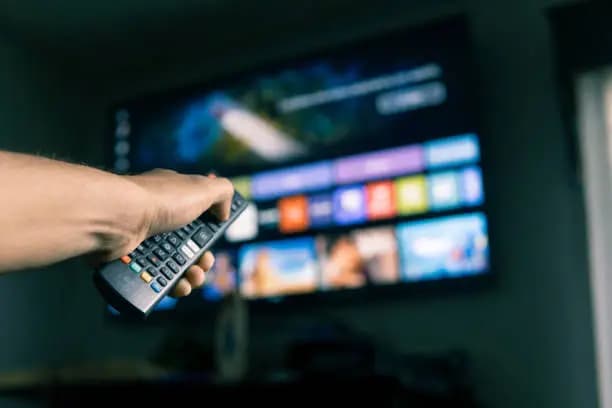
A smart TV allows you to watch digital television channels, stream movies, browse apps, and connect to the internet all from one device. Learning how to use smart TV features properly can help you enjoy entertainment more easily and get the most out of your device. Most smart TVs work in a similar way, even though menus and buttons may vary depending on the brand.
-
Table of Contents
ToggleSet Up and Power On the TV
Start by placing the TV in a suitable location and connecting it to a power source.
Turn it on using the remote control.
- Plug the TV into a power outlet
- Insert batteries into the remote
- Press the power button to start
-
Connect to the Internet
Most smart features require an internet connection.
You can connect using WiFi or a LAN cable.
- Open settings on the TV menu
- Select network or internet options
- Connect to WiFi and enter password
-
Sign In or Set Up Accounts
Some apps may require you to sign in to access content.
You may also need to create or log into a TV account.
- Sign in to streaming apps
- Create accounts if required
- Sync preferences if needed
-
Explore Apps and Features
Smart TVs come with apps for streaming, music, and browsing.
You can download additional apps depending on your TV model.
- Open app store on the TV
- Download streaming apps like YouTube or Netflix
- Navigate using the remote control
-
Adjust Settings for Better Viewing
You can improve your experience by adjusting picture and sound settings.
This helps match your preferences and room conditions.
- Adjust brightness and volume
- Change picture mode if needed
- Set parental controls if required



Comments
No comments yet. Be the first to share your thoughts.